Why Am I Not Ranking #1 on Google Maps (And How You Can Fix It)
If you’ve ever searched for your business on Google Maps and didn’t see it in the top 3…
you’re not alone.
Most business owners assume:
“I have a Google Business Profile… so I should be ranking.”
But that’s not how local SEO works anymore.
Ranking #1 on Google Maps isn’t about just having a profile.
It’s about how optimized, active, and competitive your profile is compared to others.
Let’s break down exactly why you’re not ranking and more importantly, how to fix it.
The Real Reasons You’re Not Ranking #1
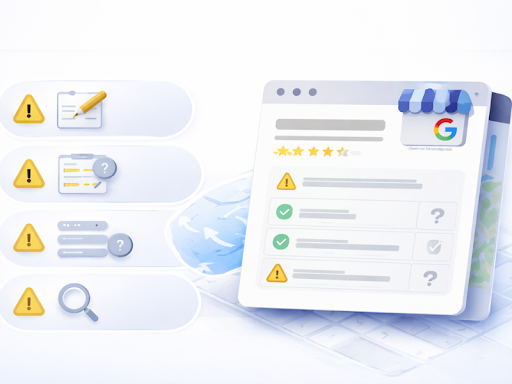
1. Your Google Business Profile Isn’t Fully Optimized
Most profiles are incomplete or under-optimized.
Common issues:
Generic or weak business descriptions
Missing or poorly written services
Incomplete attributes
No keyword strategy
Google prioritizes profiles that are complete, detailed, and relevant.
2. You’re Not Active Enough
Google rewards consistency.
If your profile hasn’t been updated regularly with:
Posts
Photos
Videos
Updates
…it signals inactivity.
Meanwhile, your competitors are staying active and gaining visibility.
3. Your Reviews Aren’t Helping Your Rankings
Reviews are a major ranking factor but not just the rating.
Google looks at:
How often you get new reviews
Keywords used in reviews
Whether you respond
Engagement levels
If you’re not managing reviews strategically, you’re leaving rankings on the table.
4. Your Competitors Are Doing More Than You
This is the biggest reality check:
You’re competing with businesses that are actively optimizing their profiles every week.
Top-ranking businesses:
Update content consistently
Optimize every section of their profile
Engage with customers
Build strong review signals
If they’re doing more, they’ll rank higher.
5. You’re Not Using Data to Improve
Most businesses rely on guesswork.
But Google Maps rankings are influenced by:
Data trends
User behavior
Ongoing optimization
Without insights, you won’t know what’s actually working.
How to Fix Your Google Maps Ranking
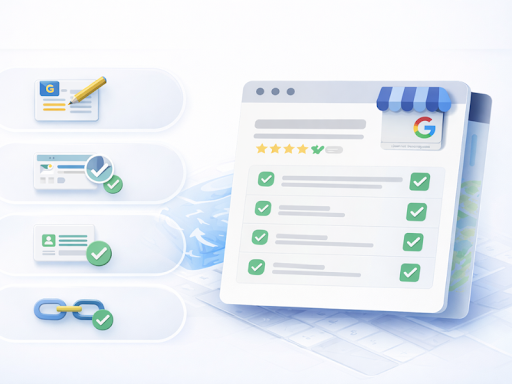
Step 1: Fully Optimize Your Profile
Go beyond the basics.
Make sure you:
Write a keyword-rich business description
Optimize your services and categories
Complete every attribute
Add relevant links
Every detail contributes to your ranking.
Step 2: Stay Consistent (Even When You’re Busy)
To improve visibility, you need:
Regular posts
Frequent image uploads
Updated business information
Continuous engagement
The challenge?
Doing this consistently takes time.
Step 3: Build a Review System
Don’t wait for reviews create a process.
You should:
Ask for reviews regularly
Use easy-to-access links or QR codes
Respond quickly to all feedback
Manage negative reviews professionally
Step 4: Learn From Top-Ranking Competitors
Instead of guessing, analyze:
What top profiles are doing
What content they post
How often they update
Then apply those insights to your own strategy.
The Smarter Way: Automate Your Local SEO
Here’s the truth:
Most business owners know what to do…
they just don’t have the time to do it consistently.
That’s where automation changes everything.
Meet ReputationGenius
ReputationGenius is an AI-powered SEO tool that automates your Google Business Profile management and local SEO strategy.
Instead of manually handling everything, it helps you:
Identify What’s Holding You Back
ReputationGenius analyzes:
Millions of real data points
High-performing Google Business Profiles
Ranking patterns
Then shows you:
What you’re missing
What needs improvement
What actions will increase your rankings
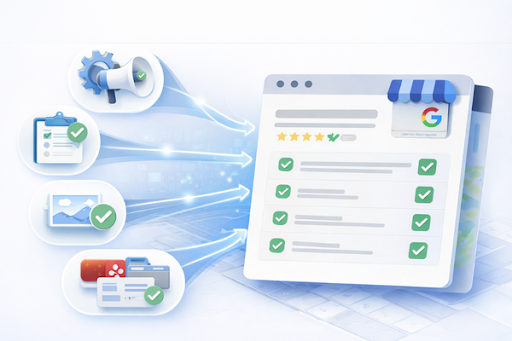
Automate the Work That Drives Rankings
With ReputationGenius, you can:
Optimize your Google Business Profile
Automatically publish posts and updates
Upload images and videos consistently
Manage Q&A and engagement
Sync your business across multiple directories
Strengthen Your Online Reputation
It also helps you:
Generate more reviews
Respond to reviews automatically
Flag negative feedback
Maintain consistent engagement
Track Your Progress Clearly
You’ll be able to:
Monitor keyword rankings
See performance improvements
View before-and-after insights
Track completed optimizations
No more guessing just clear direction.
What Happens When You Fix These Issues?
When your profile is:
Fully optimized
Consistently active
Strategically managed
You’ll start to see:
Higher rankings on Google Maps
More visibility in local searches
Increased calls, messages, and leads
Final Thoughts
If you’re not ranking #1 on Google Maps, it’s not random.
It’s usually because:
Your profile isn’t fully optimized
You’re not consistent
Your competitors are more active
You’re not using data to improve
The good news?
All of this is fixable.
And once you implement the right system or automate it you can compete with (and even outrank) businesses that have been ahead of you.
Want to Know Exactly Why You’re Not Ranking?
Start by identifying the gaps in your profile.
Then take action or let AI handle it for you.
Because in today’s local SEO landscape:
The businesses that win aren’t the busiest.
They’re the most optimized.
FAQs
1. Why is my business not showing up on Google Maps?
Your business may not appear on Google Maps due to incomplete optimization, low activity, lack of reviews, or strong competition in your area. Google prioritizes profiles that are accurate, active, and highly engaged.
2. How long does it take to rank #1 on Google Maps?
Ranking improvements can take weeks to months depending on your competition, consistency, and optimization level. Businesses that regularly update their profile, gain reviews, and follow best practices typically see faster results.
3. What is the fastest way to improve Google Maps rankings?
The fastest way is to focus on high-impact actions: fully optimizing your profile, posting consistently, generating and responding to reviews, and analyzing competitor strategies. Using automation tools can also speed up the process by ensuring consistent activity and optimization.
